
Add Your Facebook Friends & Photos To Google+
Successful launching of Google+ with some cool features attracted more number of people towards them, but currently Google only allows invited peoples to grab their G+ service, so due to lack of invitations many people still enjoying Facebook. Yesterday one of my friend asked me to how to add Facebook friends to Google +, I just studied some consequences of G+ and finally solved his query. To do that you have to follow some steps given below.
Importing Facebook friends to Google+
1. Using Facebook Friend Exporter:
Step1. Download this Chrome Extension.
Step2. After installation refresh your Facebook page,you will see a Export Friends Tab.

Step3. Click on that,you will redirected to TOS(Terms of services) page,accept it !!!
Step4. Click on Lets Start in next page and wait for process completion.

Step5. when Process get over you can export the content to your Gmail or save it as .CSV.

Step6. That’s it, you imported your Facebook friends to G+.

2. Using Yahoo Account:
Step1. Login to your yahoo account.
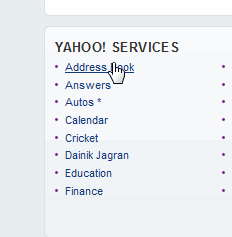
Step2. Go to Address Book link under the Yahoo!Services. This will show you Contacts tab.
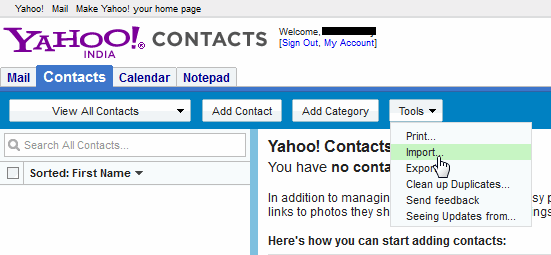
Step3. Click on the Tools button& choose Import option.
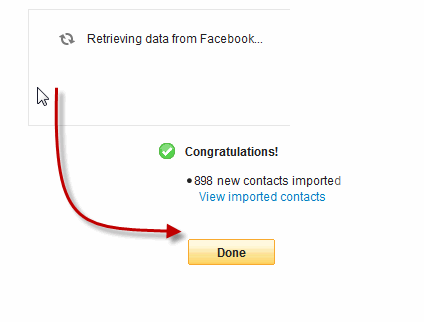
Step4. Now the popup screen will appear,now Click on Facebook icon.

Step5. If you are already logged into your Facebook account in the same browser, it will automatically start to import the contacts from your Facebook account after providing the necessary permission of accessing data from Facebook, otherwise you will have to sign into your Facebook account with correct login credentials.

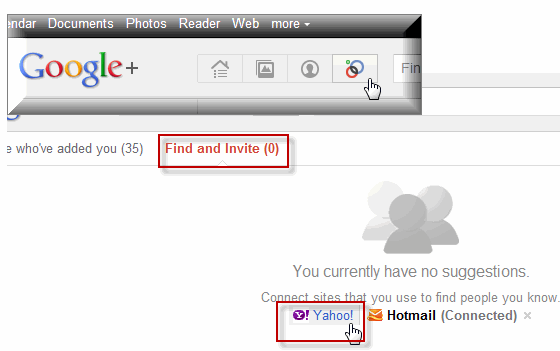
Step6. Once it successfully imports all the contacts into your Yahoo account, lets move back to Google plus profile and click the Circle icon then Find and Invite link.
Step7. There is an option to invite people using Yahoo contacts in G+ and what you have to do is just follow that link.
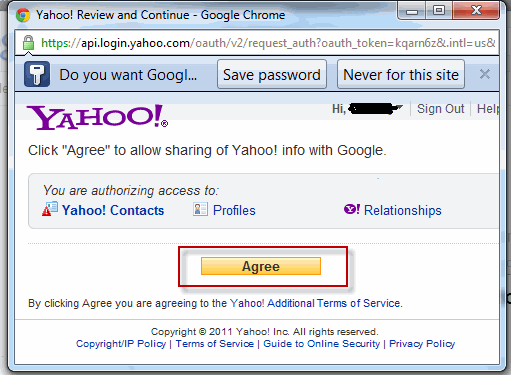
Step8. It will ask for the permission of accessing data from your Yahoo account(you must login into appropriate account). Simply, grant the permission.
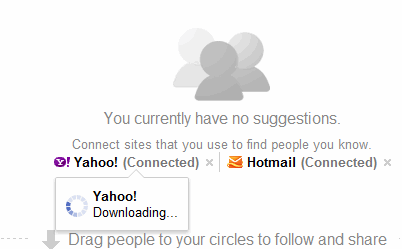
Step9. When it complete, You can invite people in Google plus by dragging them into your desired circle,or they get connected if they already using G+.
"This Process is so simple and faster than the first process i.e Addon ,So i suggest you go with this" :- Admin VRK
Importing Facebook Photos to Google+ Using Fotolink
1.Now you don’t need to re-upload all your Facebook visual memories to G+,you can directly import it using Fotolink apps,just follow simple steps to add your Facebook pictures to G+.
Step1. Go to Fotolink Facebook App page and click “Go to App” button.

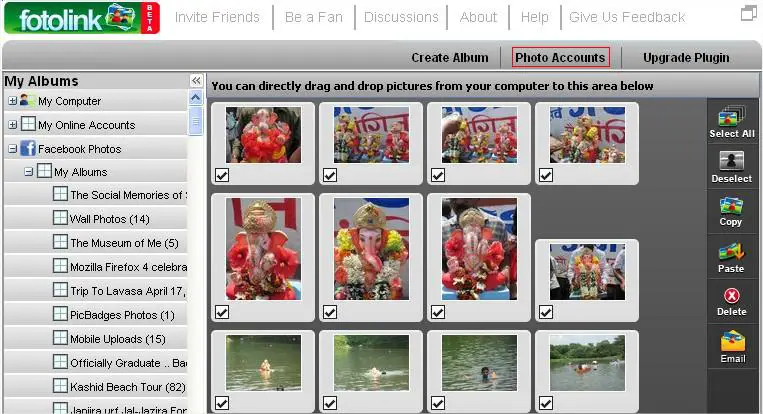
Step2. Wait for page load,after successful loading you can see Facebook Photo Albums on the left side of the app
Step3. Click on the “Photo Accounts tab” which is above the photos thumbnails.
Step4. Select Picasa Service from the popup frame and login with your appropriate Picasa account(which also your G+ account), grant permission accordingly .


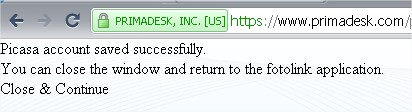
Step5. After doing this you can see Successful album creation message in new window and your Picasa Albums on the left side of the app.

Step6. Finally finished, now select the Albums from Facebook Tab and Paste them to your Picasa Account. After this you can see all you albums in Google+ Picasa Album.Enjoy this !!
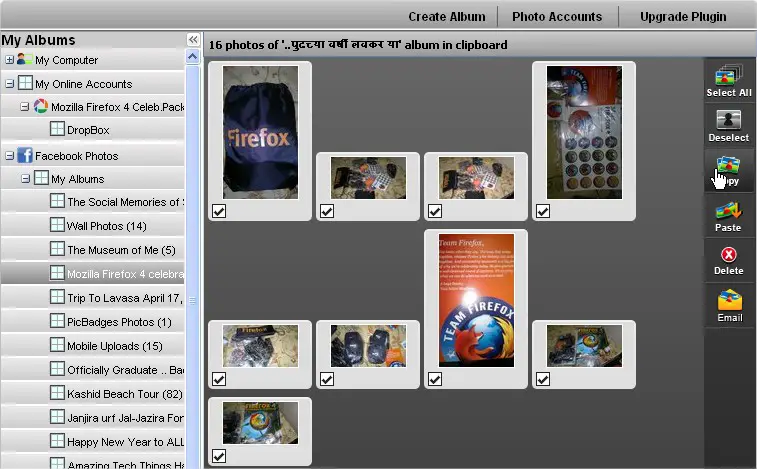
Copy
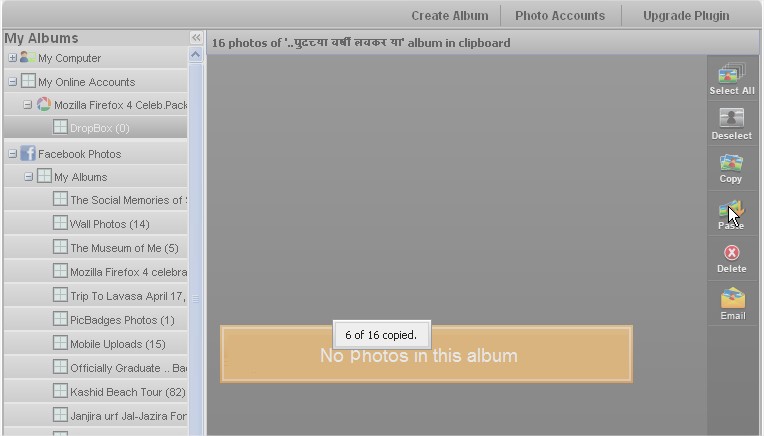
Paste
"This is not direct integration to Google +,some time it takes time to update your album on G+,let me know if you face any issue" :- Admin VRK
2. Using Move2picasa Chrome Extension
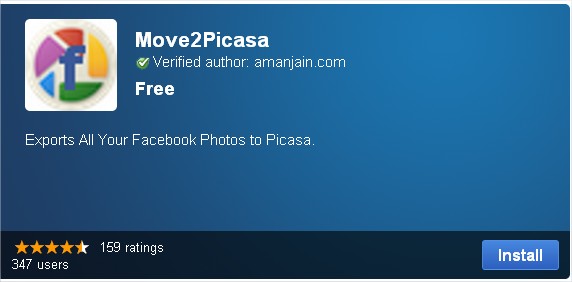
Step1. Just install Move2Picasa chrome Extension.
Step2. Login to both your facebook and Google account in which you want to transfer your all pictures.
Step3. Click on Move2Picasa Extension icon on top right corner of browser,it will open a page containing all your Facebook album,select appropriate albums and Upload it,wait until it done .

"I suggest you go with this process,which is most reliable and Easy than previous,I personally did this" :- Admin VRK